
Sprunky
Sprunky
Sprunky
Featured Sprunky Games
MoreA focused selection of popular mods and creative fan-made variations, plus a featured rhythm game.
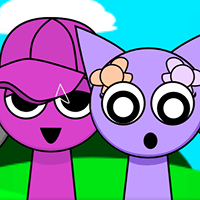
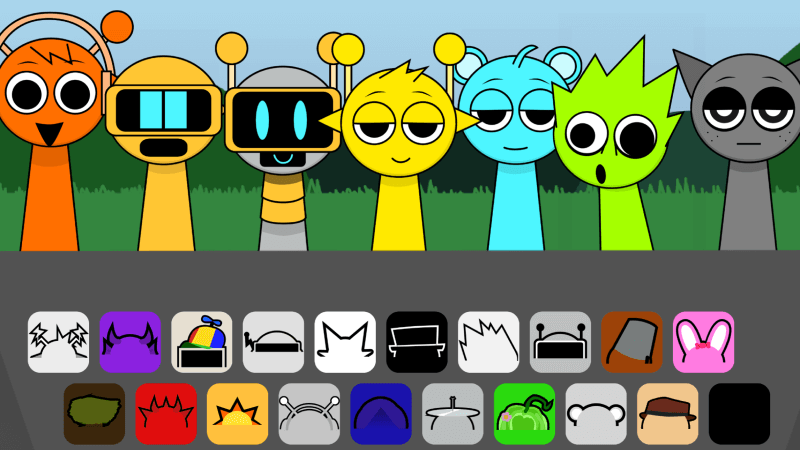
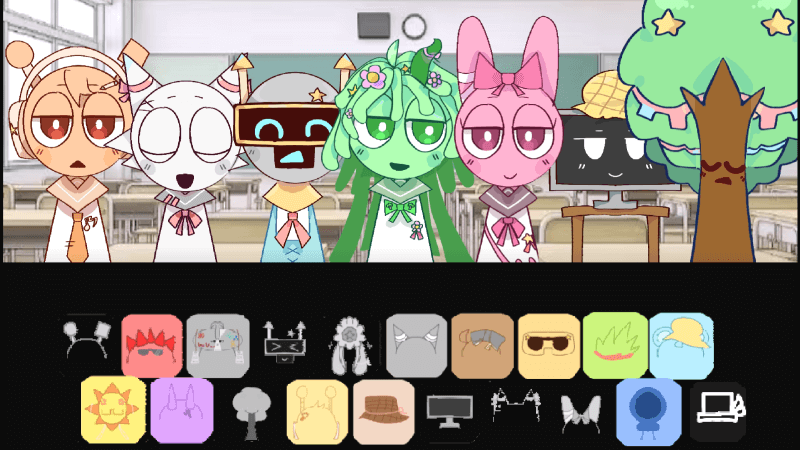
Featured Sprunky Phase Games
MoreNine distinctive phases chosen to show how the series changes its sound and atmosphere.
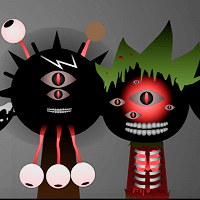
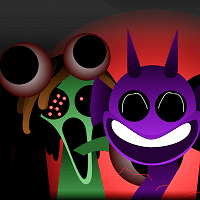
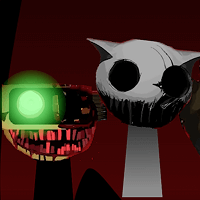
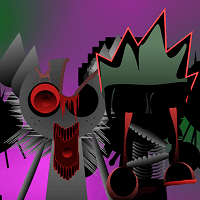
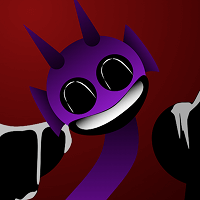
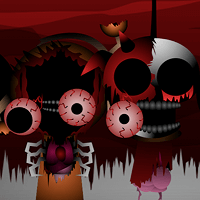
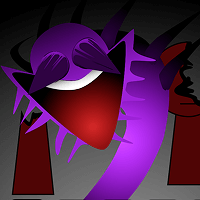
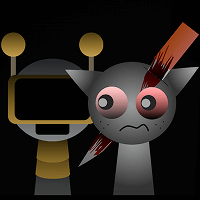
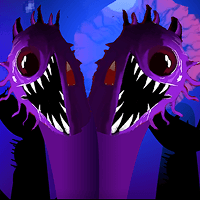


Meet the Sprunky Characters
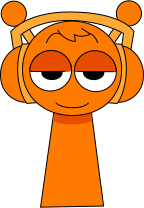
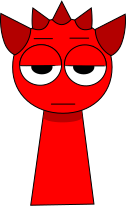
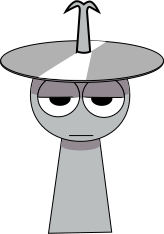
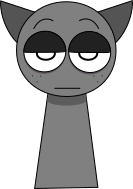
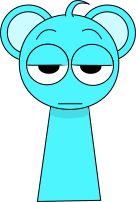
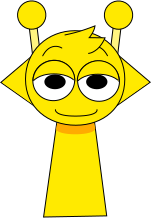
MoreDiscover the faces behind the beats, effects, melodies, and vocals in a Sprunky mix.




What is Sprunky?
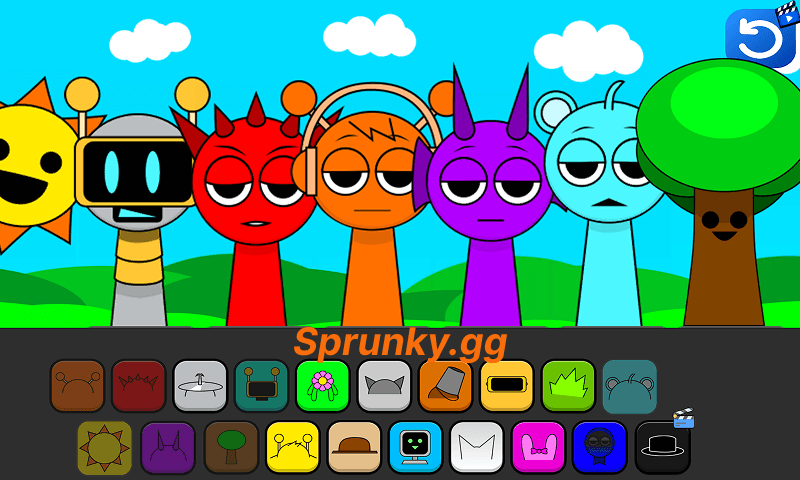
Sprunky game is an interactive music game that lets players create their own tunes by mixing beats, effects, and vocals with unique sprunky characters. Set in a vibrant musical universe, it's quickly become a fan-favorite in the music game community.
Sprunky.gg is an independent directory for community-created music games and mods. The listed games come from different creators and may use different sounds, visuals, controls, and themes. They are documented as separate playable builds rather than presented as one official series.
For a change of pace from music mixing, explore action, racing, and puzzle games on Poki.
How to Play Sprunky Game
Playing Sprunky game is simple and enjoyable! Here's a quick guide to play Sprunky game:
- Choose Your Sounds: Select from an array of fresh beats, effects, tunes, and vocals.
- Mix & Match: Drag and place your selected sprunky characters to begin creating your track.
- Experiment: Try various combinations to observe how your sounds work together and produce your own distinctive music.
- Try another arrangement: Remove or replace characters and compare how the rhythm, melody, and effects change.
The Objective of Sprunky Game
The main objective is to make music through experimentation rather than complete fixed levels. Players combine sound elements to build a mix and discover how each character changes the result. Features differ between versions, so this guide focuses on the controls and behavior visible in the playable game.
Sprunky Game Mechanics and Features
- Visual upgrade: Sprunky game has unique character designs and animation effects, making the game screen more vivid and interesting.
- Rich music experience: Sprunky game introduces new soundscapes, rhythms and melodies, providing players with a more diverse space for music creation.
- Accessible controls: Many listed builds use a simple drag-and-drop loop, while each game page notes any important differences.
- Unlimited creativity: Sprunky game encourages players to try boldly and create unique music works every time they play.
Why Play Sprunky Games?
Discover what makes Sprunky games the ultimate music creation experience for players of all skill levels.
- Instant Browser Play Jump into any Sprunky game instantly—no downloads, no installations, just pure musical creativity in your browser.
- Creative Music Making Mix beats, effects, and vocals with unique characters to create your own musical masterpieces and unlock special animations.
- Curated Variety Compare different phases and fan-made themes in one organized collection, with a dedicated guide for each playable page.
- Collection Maintenance We review the collection periodically, fix broken entries, and add titles when we have enough information to publish a useful guide.
Sprunky Game Features
Explore the unique elements that make every Sprunky game an unforgettable musical journey.
- Horror Mode Unlock dark transformations and eerie soundscapes in Horror Mode, where familiar characters reveal their sinister side with haunting visuals and spine-chilling audio.
- Diverse Characters Choose from 20+ unique characters across beats, effects, melodies, and vocals—each with distinct sounds and personalities that bring your music to life.
- Intuitive Sound Mixing Many builds use approachable drag-and-drop controls. Add or remove one layer at a time to hear how beats, melodies, effects, and vocals interact.
Independent Guides from the Sprunky.gg Editorial Team
Go beyond a game card with practical, publisher-written articles about arranging clearer mixes and choosing between different mods and phases.
Sprunky Games FAQ
What are Sprunky games?
Sprunky.gg is an independent directory of community-created music games and mods. Many listed games let you arrange animated characters to combine beats, effects, melodies, and vocals, but they come from different creators and should not be treated as one official series.
How do I play Sprunky games?
Controls vary by build. In many music-mixing games, you drag a sound icon or character onto the stage, listen to the new layer, and remove or replace it to compare the result. Check the individual game page and in-game prompts for version-specific controls.
What is Horror Mode in Sprunky games?
Some community-created versions include a darker visual or audio state that players call Horror Mode. It is not available in every game and its trigger varies by build. Check the page warning and the current in-game instructions before playing if you are sensitive to horror imagery, flashing effects, or unsettling audio.
Are Sprunky games free to play?
The games can be opened without creating a Sprunky.gg account or downloading an installer. Availability, advertising, optional purchases, and unlocked features can vary by game, so check the individual game screen for details.
Can I save and share my Sprunky creations?
Save and export support varies by version. If the game shows a save, record, or share control, follow its on-screen instructions; Sprunky.gg does not claim that every embedded game supports those features.
Which Sprunky game should I start with?
Start with a light-themed version whose page lists straightforward drag-and-drop controls and no horror warning. Practice with three sound roles—pulse, support, and focus—then compare a named mod or phase after you understand the basic mixing loop.
How often are new Sprunky games released?
Fan-made releases do not follow a fixed schedule. We review this collection periodically and update it when a title is available, working, and documented well enough for a useful page.
Do Sprunky games work on mobile devices?
Mobile support varies by game. Many versions accept touch input, but some were designed for a desktop browser. If controls feel cramped, try landscape orientation or use a larger screen.
Looking for something different? Explore Hot Games.